For macOS · No account needed
An API client that
doesn’t ask you to sign in
is a local-first alternative to Postman. Open it and send a request: no login, no cloud, and your collections stay on your machine.
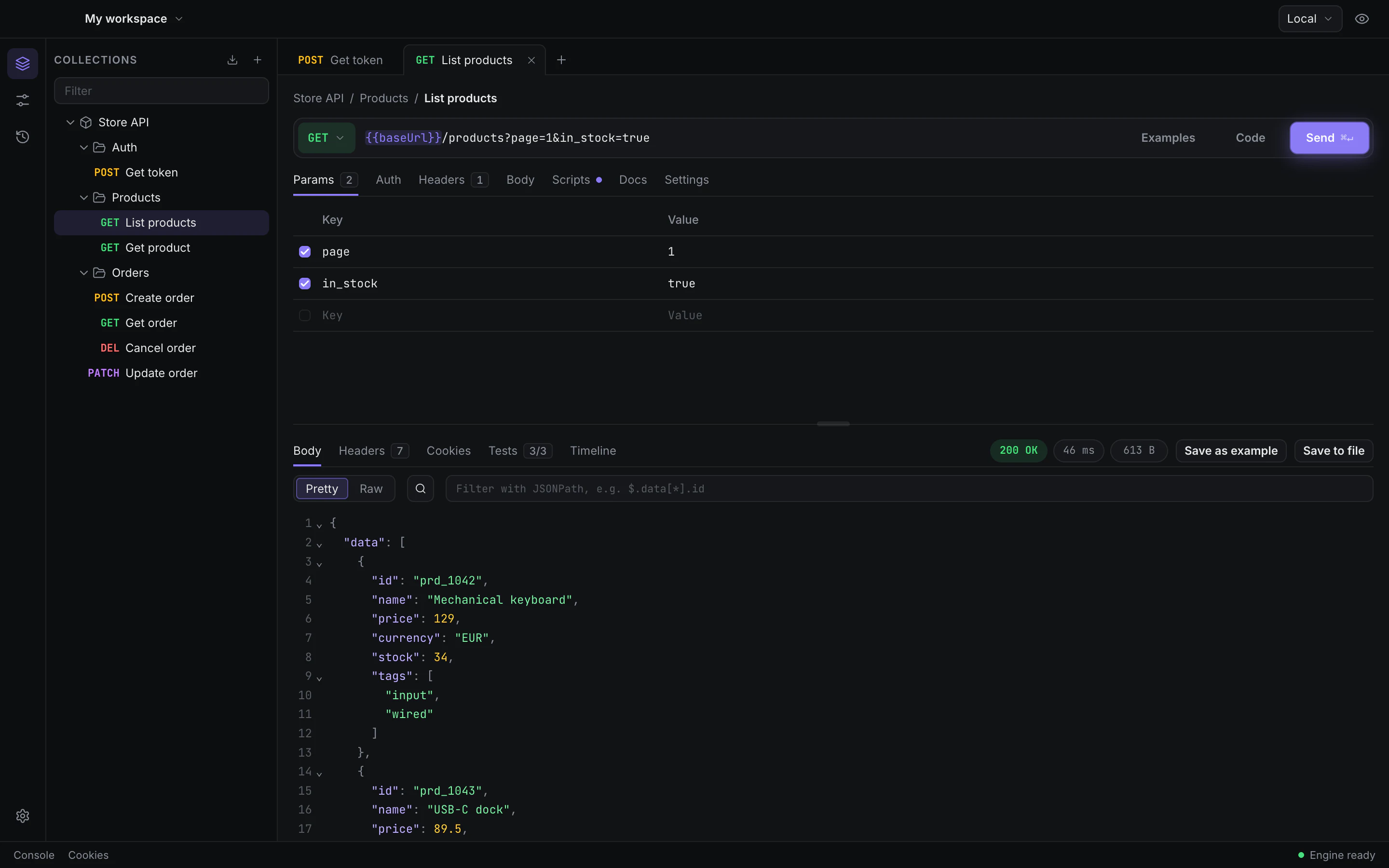
Local first
No login. Your data stays local.
exists because Postman’s cloud, its forced sign-in and its weight kept getting in the way. So it opens straight to a request, and everything you make is written to your own disk.
Stored in~/Library/Application Support/
-
No account, now or later
There is no sign-up screen. Login stays optional for good; accounts and sync will come later, as an option.
-
On your machine
Collections, environments and history live in a SQLite database on your Mac, not in a cloud.
-
Secrets in the Keychain
Secret variables are kept in the macOS Keychain, apart from the rest of your data.
Features
Everything you reach for, in one window
The parts of an API client you use every day, without the parts that slow you down.
-
Auth, OAuth 2.0 included
Bearer, basic, API keys and OAuth 2.0, set per request, folder or collection.
-
Environments and globals
Switch between local, staging and production with
{{variables}}in any field. -
Secret variables
Mark a value as secret and it is kept in the macOS Keychain, not in the database.
-
Cookies, proxy, certificates
A cookie jar, proxy settings and client certificates for the APIs that need them.
-
History
The requests you send are kept in history, ready to open and send again.
-
Code generation
Turn a request into a cURL command or a snippet in the language you work in.
-
Collection docs
Write the documentation of a collection right next to its requests.
-
Workspaces
Keep each project apart, with its own collections and environments.
-
Command palette
Jump to requests and commands from the keyboard, with shortcuts for the rest.
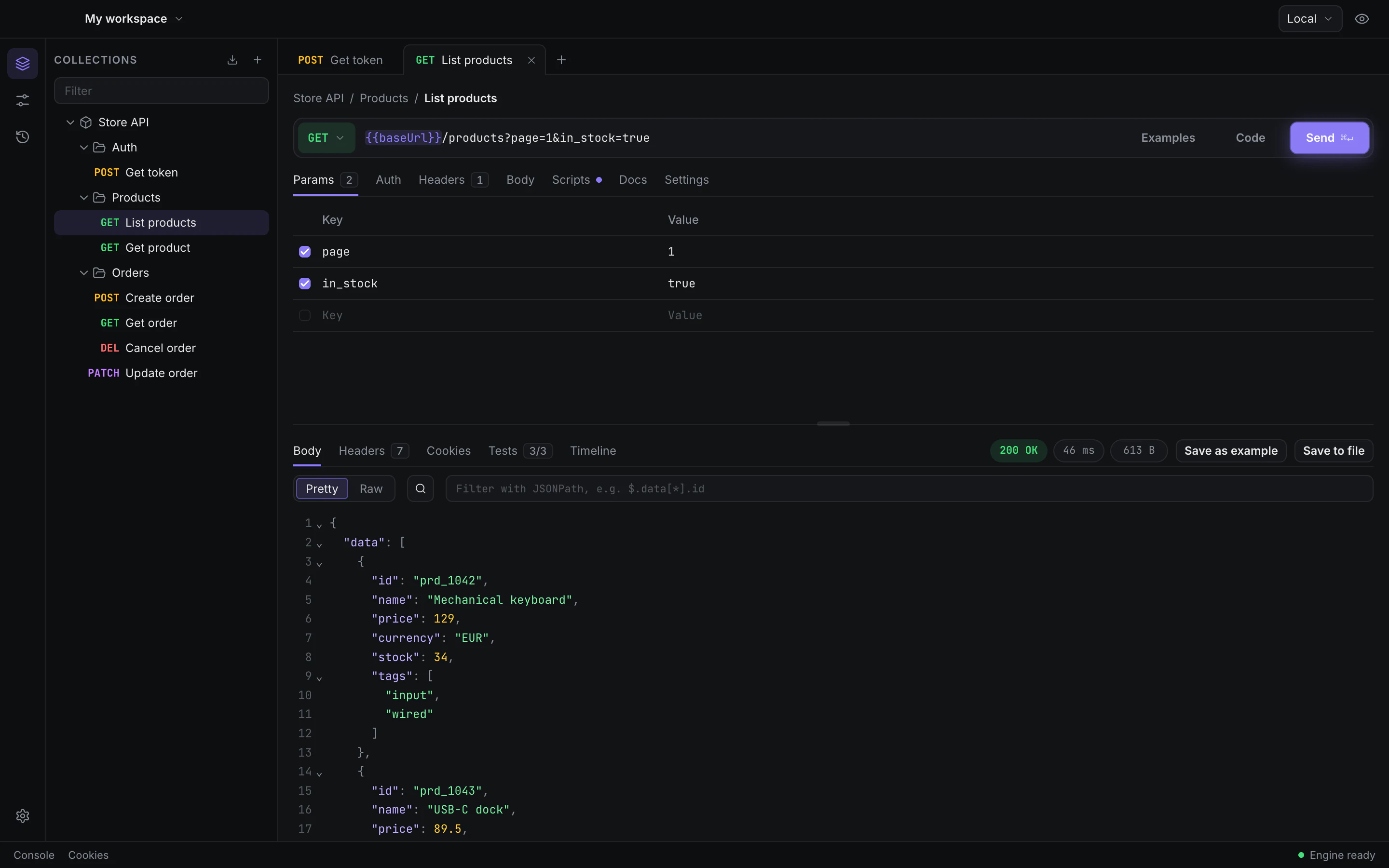
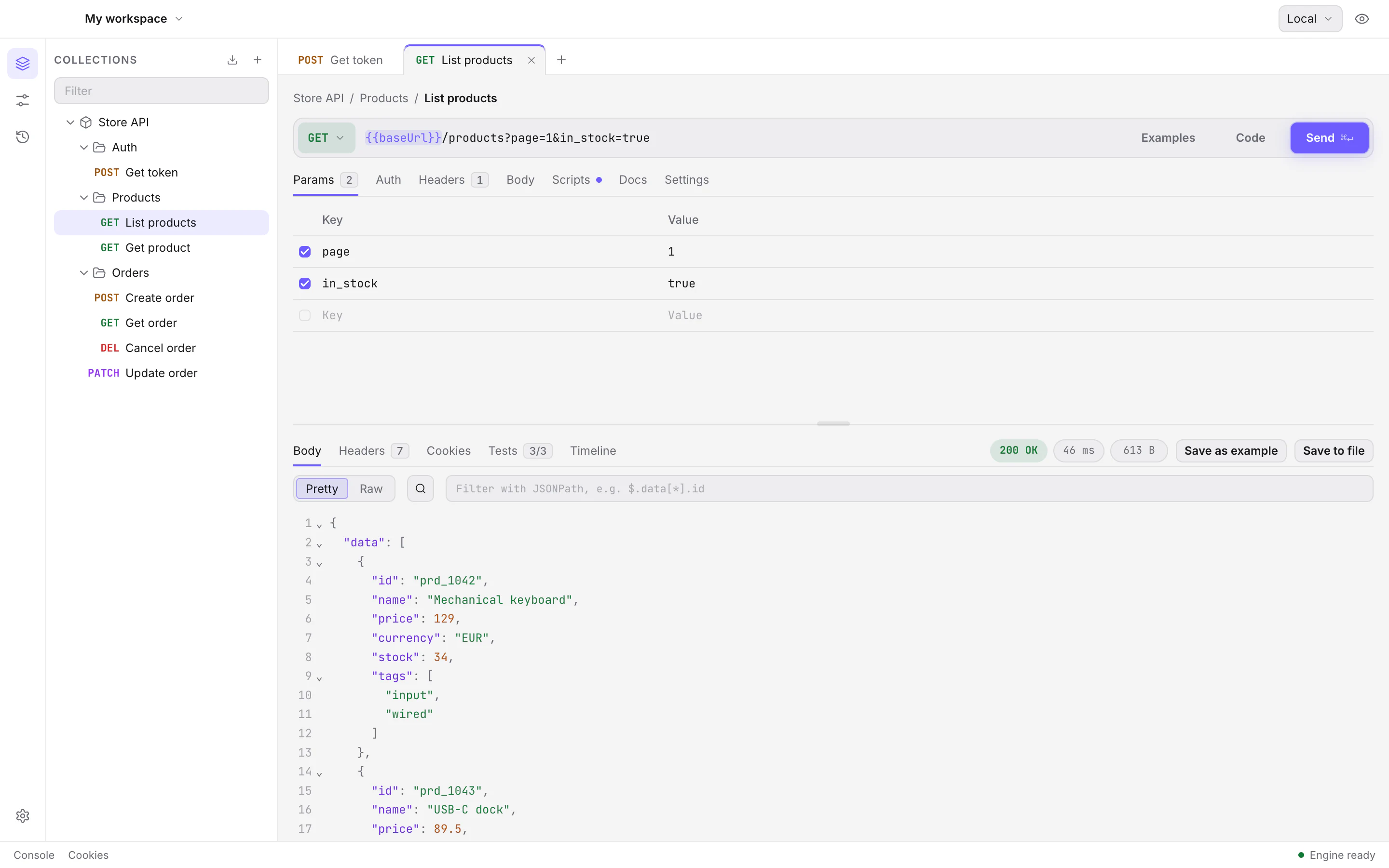
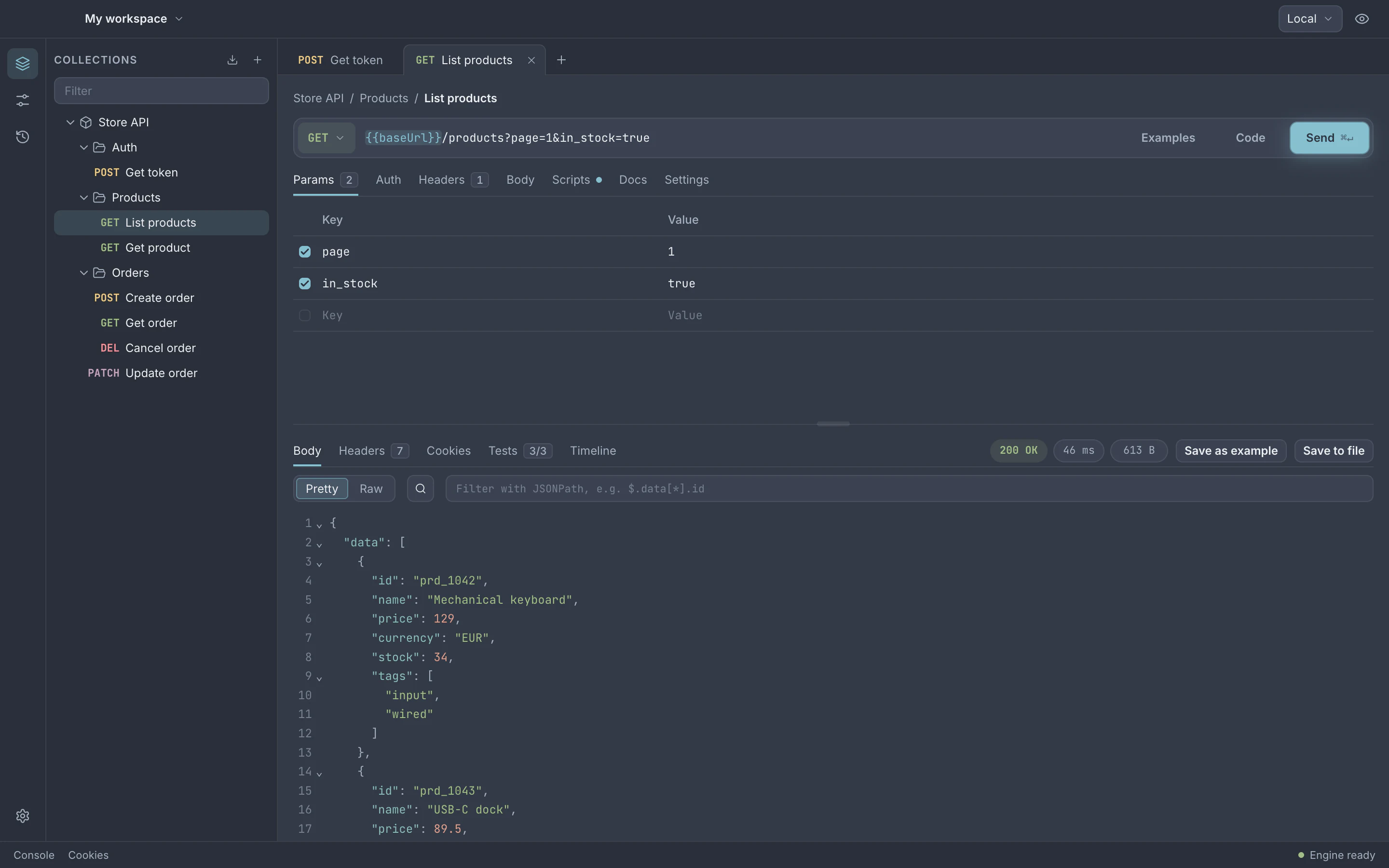
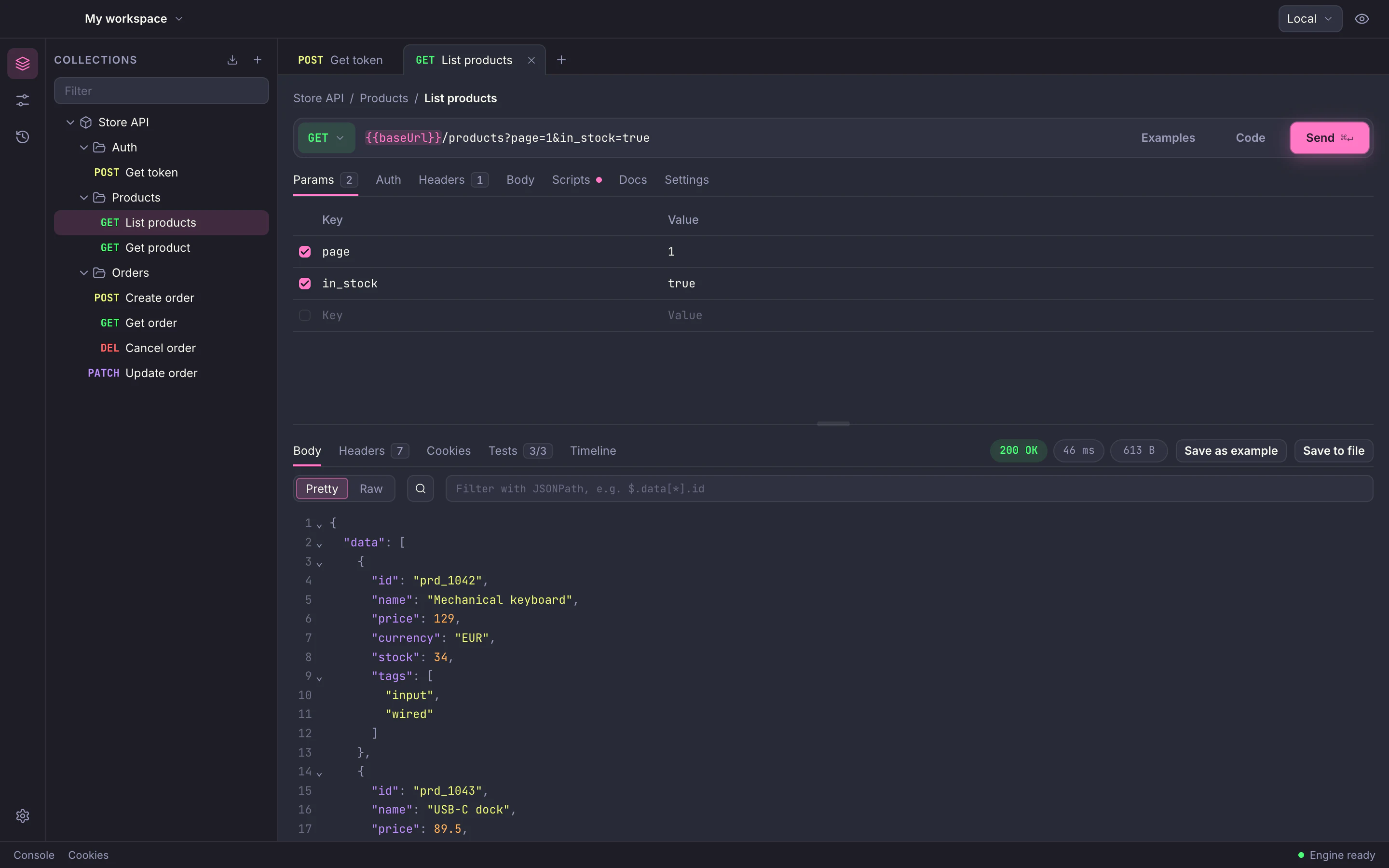
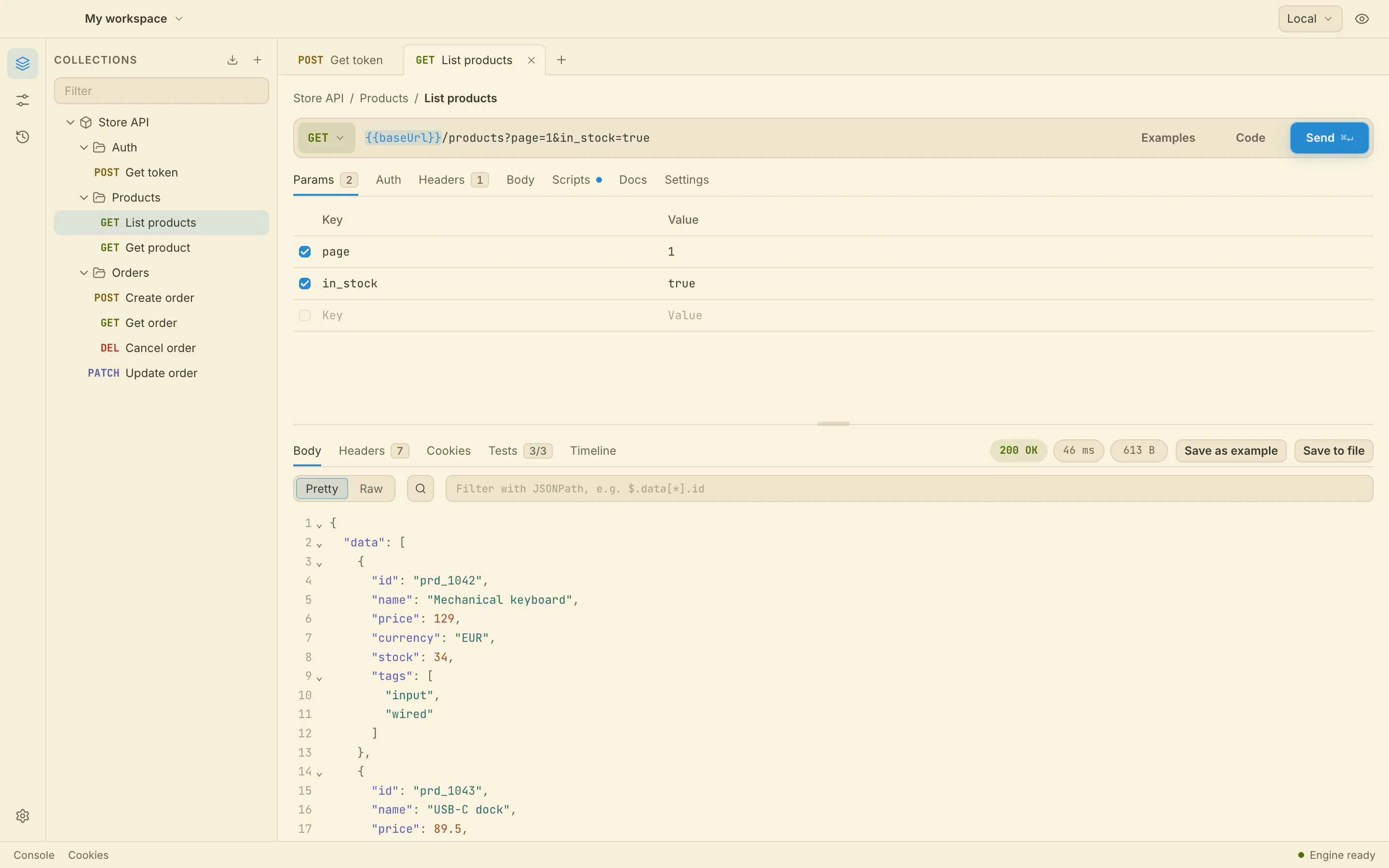
Five themes
Dark or light, or follow the system with a pair of your choice.
Protocols
From REST to real-time
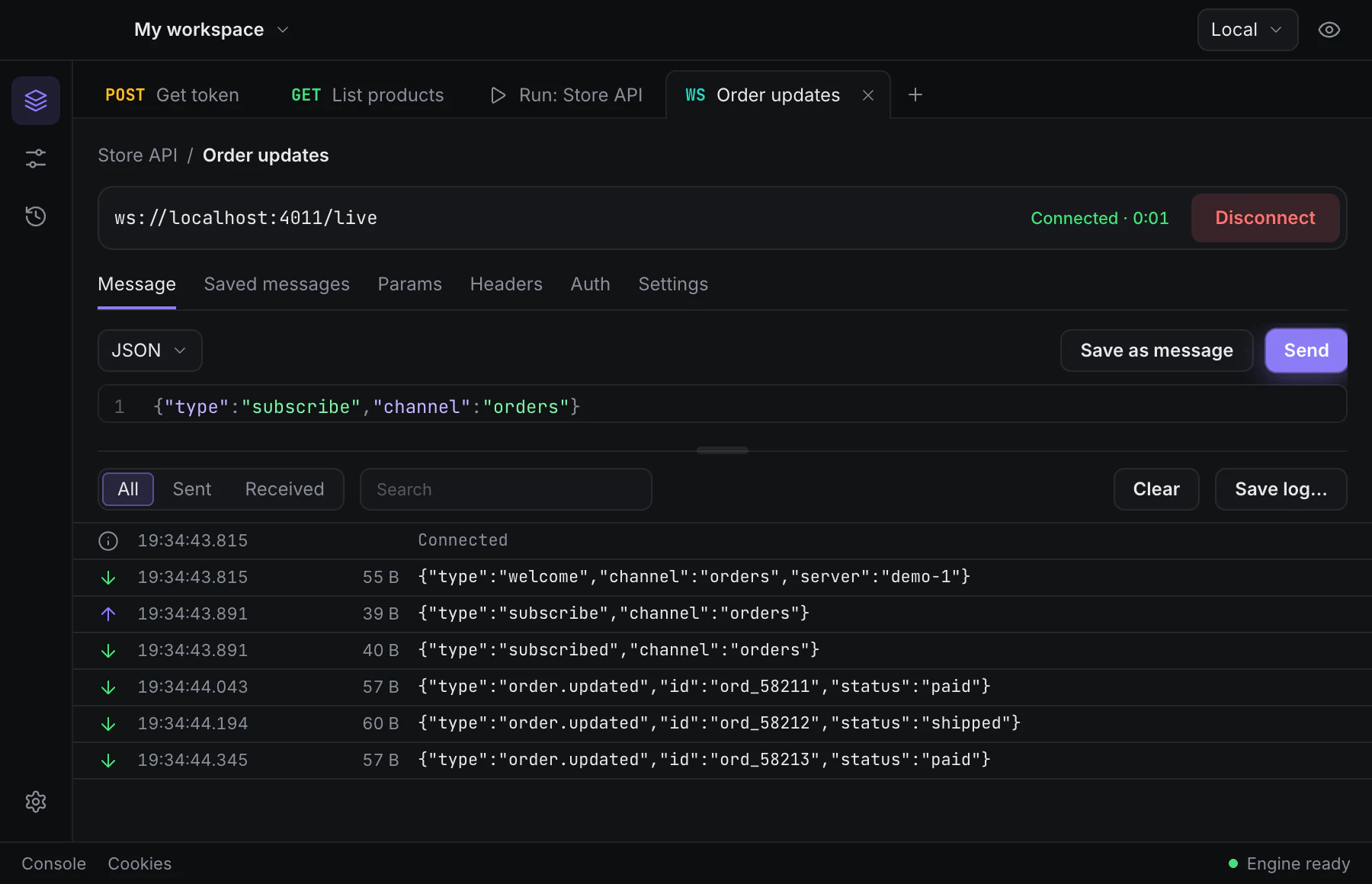
Full HTTP requests with params, headers, body, auth, cookies, proxy and certificates. For real-time APIs, connect, send and watch every message arrive in a live log.
- HTTPREST and anything over HTTP
- WSWebSocket
- SIOSocket.IO
- SSEServer-Sent Events
- MQTTMQTT
- gRPCgRPCComing soon
Postman compatible
Keep your Postman collections
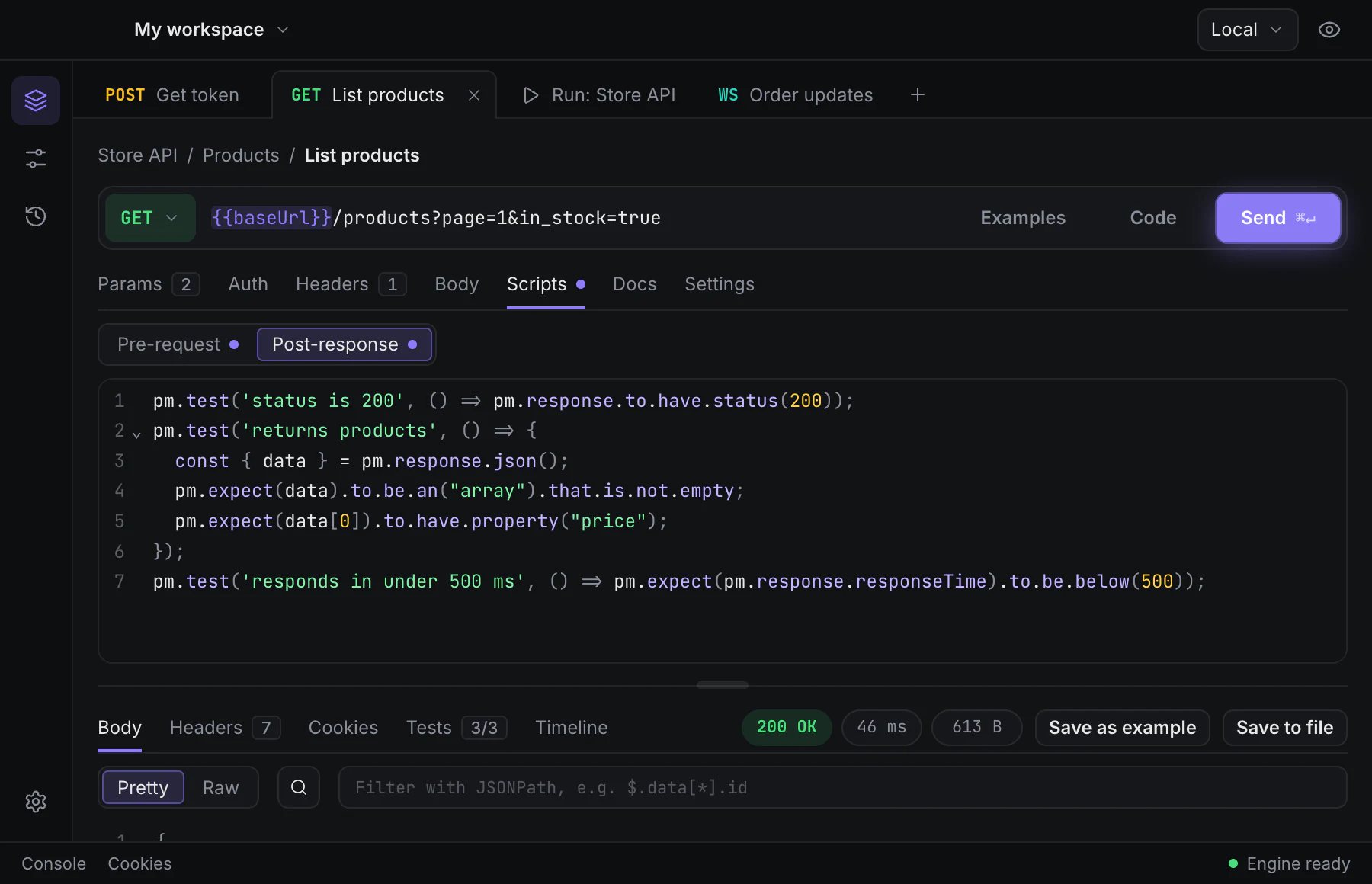
Import a Postman collection and keep working where you left off. Pre-request and test scripts run on
postman-runtime, so pm.* behaves as it does in Postman.
- Folders, auth, variables and bodies come across
pm.test,pm.expectandpm.environment- Test results next to the response
Collection Runner
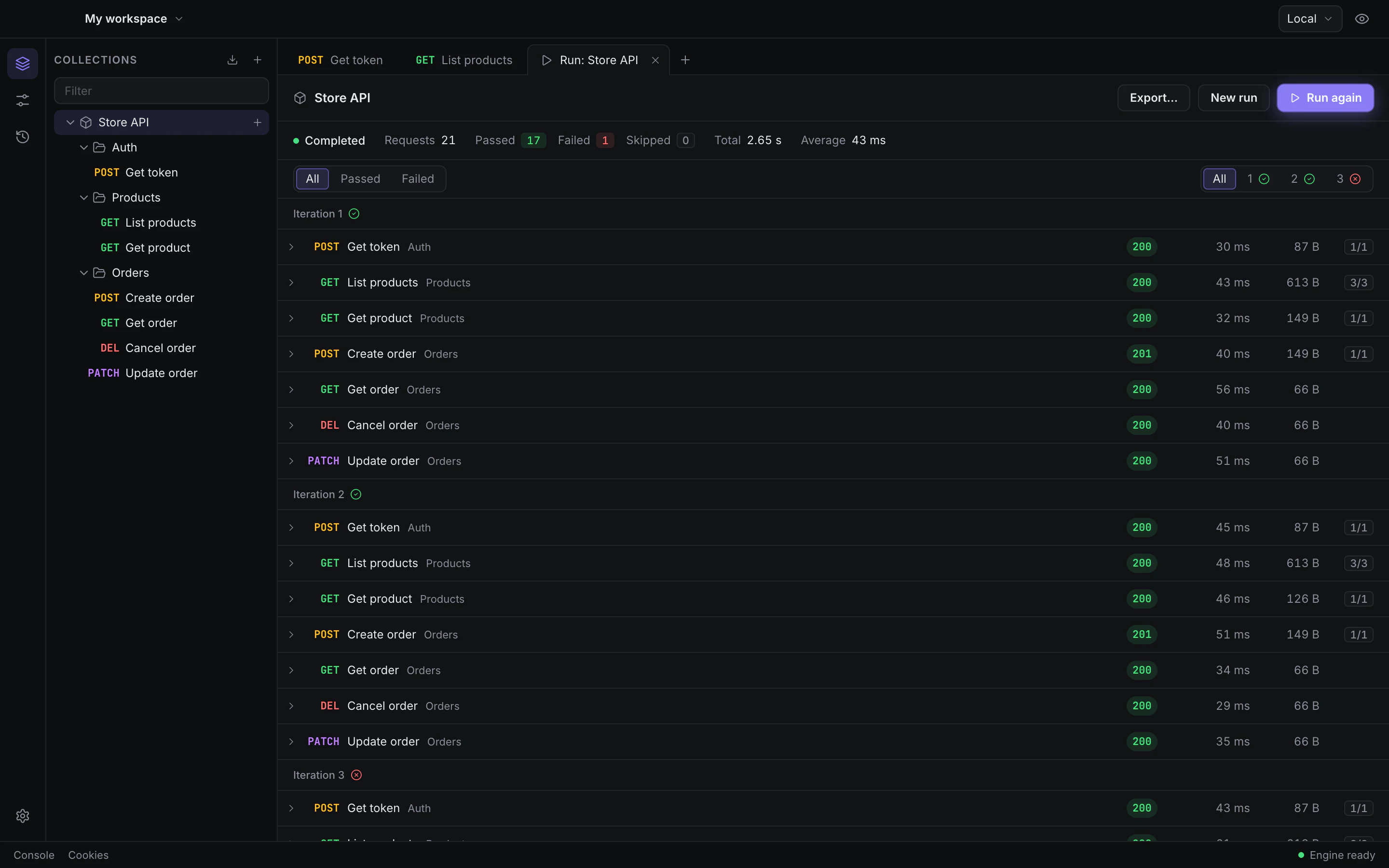
Run a whole collection, row by row
Feed it a data file, watch each request and its tests, and keep the run to look at later.
-
Iterations
Run the collection as many times as you need.
-
CSV and JSON data
One iteration per row, with its values as variables.
-
setNextRequest
Scripts decide which request runs next.
-
Saved runs
Every run’s results are kept with the collection.
FAQ
Questions
Is it free?
Yes. Download it and use it, with no account and no trial.
Do I need an account?
No. Login is optional and will stay that way. Accounts and sync will come later, as an option you can ignore.
Where is my data stored?
On your Mac, in a SQLite database in ~/Library/Application Support/.
Secret variables are kept in the macOS Keychain.
Is there a version for Windows or Linux?
Not yet. is macOS only for now.
Does it run on Intel Macs?
Not yet. The current build is for Apple silicon (arm64).
macOS says it can’t check the app. What do I do?
The app is ad-hoc signed, not notarized. The first time, right-click it in Applications and choose Open, then confirm. After that it opens normally.

Send your first request in a minute
No sign-up, no setup. Download, open, and paste a URL.
Apple silicon · .dmg. The app is ad-hoc signed: the first time, right-click it and choose Open.